

#Datasheet
AI for conversations and operational context
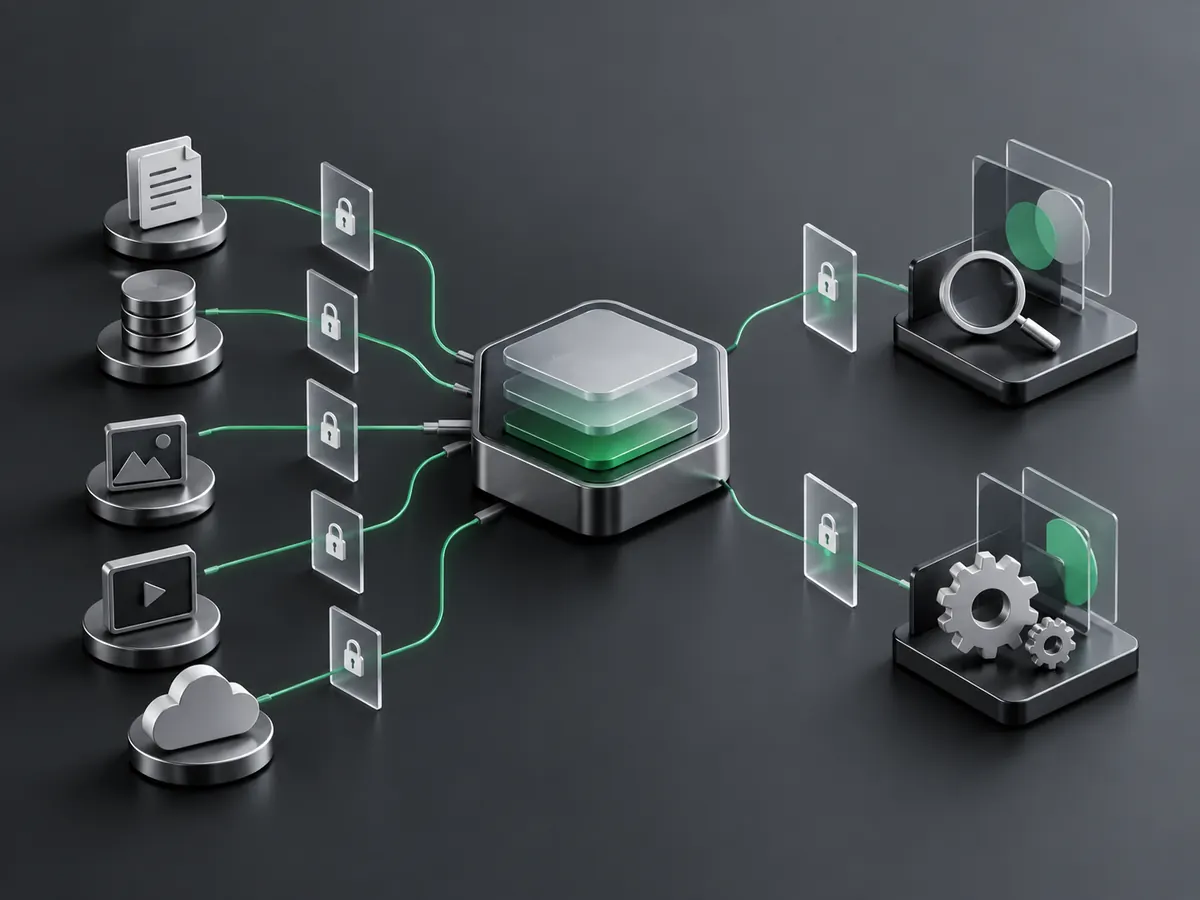
Current scope and planned integrations for AITHANEX AI. Each deployment requires defined sources, permissions, and limits.
Current capabilities
- Conversation logging and analysis.
- Bot support and assisted replies.
- Use of data available in AITHANEX Things as context.
- Integrations defined and configured for each project.
Third-party integrations
| System | Scope |
|---|---|
| AITHANEX Customer Service | Conversations, bots and support assistance. |
| AITHANEX Things | Telemetry, status and alarm lookup. |
| External systems | Integration subject to the project APIs, permissions and credentials. |
In development
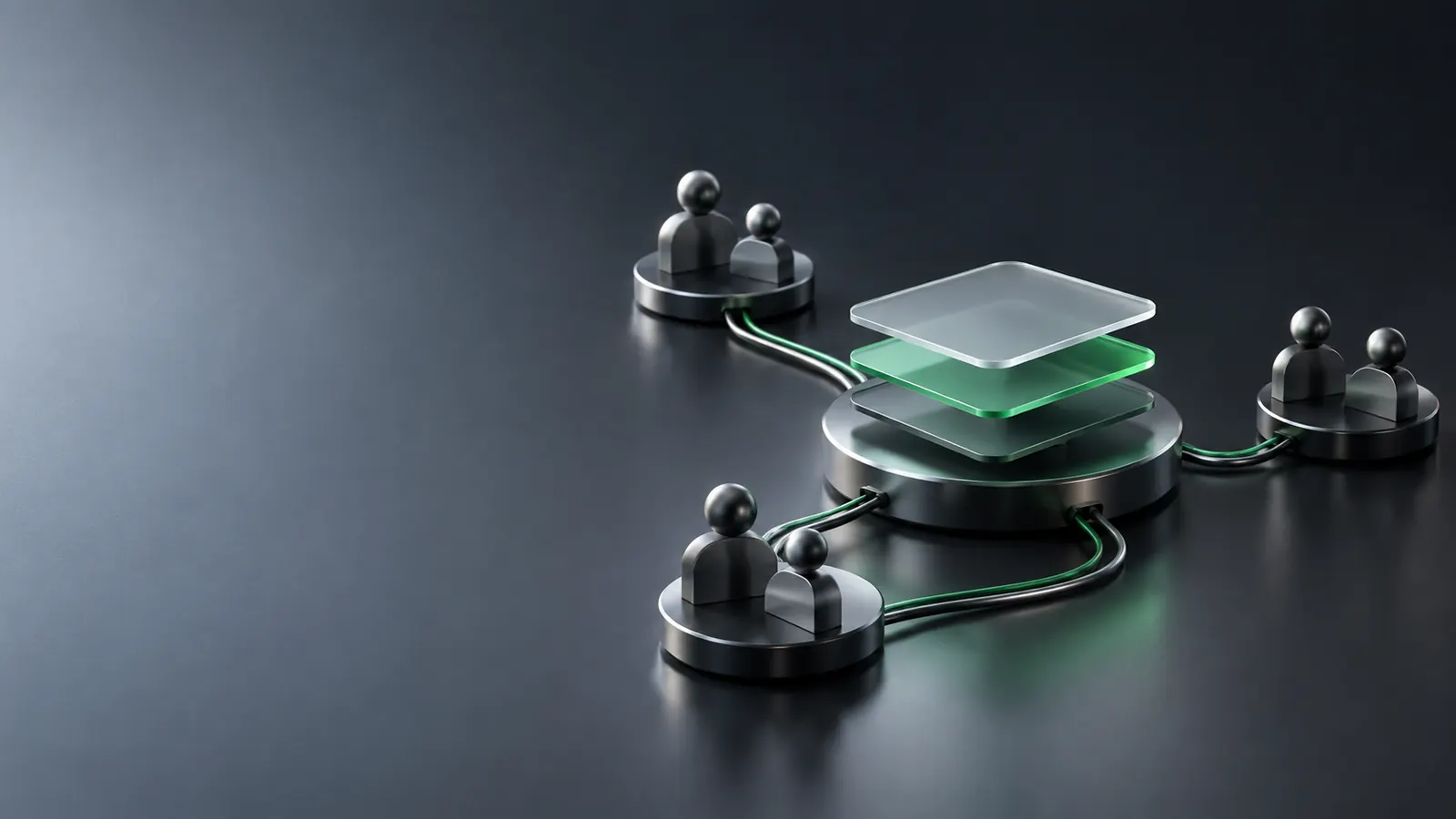
Advanced lookup, agents with actions, RAG, MCP, orchestration and automatic model selection are in development. They require specific validation before being considered available.
Main components
The architecture below describes the full platform. Advanced capabilities (agents with actions, RAG, MCP, orchestration and automatic model selection) are still in development and validation: the available scope is defined per project.
An administration console and the AI orchestrator form the architecture: sources, tools, models, quotas and policies are configured from the console, and the orchestrator applies that configuration on every execution (context retrieval, tool use, model selection, auditing and usage reports).
| Component | Function |
|---|---|
| Agent designer | Creates agents with role, instructions, permissions, sources and an associated model. |
| Flow designer | Defines visual flows that can use agents, rules, events, APIs or external actions. |
| Execution engine | Runs agents in real time. Handles concurrency, retries, errors and timeouts. |
| AI orchestrator | Coordinates RAG, MCP, model selection, permissions, execution and server-side auditing. |
| RAG server | Handles knowledge retrieval, indexes, authorized sources and context for agents. |
| MCP server | Exposes tools, connectors and external actions under permissions and traceability. |
| Model router | Selects the model according to cost, privacy, latency, availability and complexity rules. |
| RAG / MCP / LLM console | Administration of sources, tools, models, quotas and tests. |
| Usage reports | Token consumption, conversations, executions, estimated costs and usage per model. |
Data and configuration
| Element | Scope |
|---|---|
| Agents | Creation, management and versioning of custom agents per project or use case. |
| LLM models | Support for Claude, GPT, Llama and other models (extensible by configuration). |
| Routing | Customer-defined rules: latency, cost, accuracy and privacy policy. |
| RAG context | Documentation, AITHANEX history, real-time data and external databases. |
| MCP integrations | APIs, webhooks, external systems and analysis tools. |
| Workflows | Visual flows that coordinate agents, events, rules, APIs and external actions. |
| Permissions | Granular control: who creates agents, who runs actions and on which resources. |
| Observability | Tokens, conversations, executions, errors, estimated cost and usage per model. |
| Configurable limits | Timeouts, retries, cost limits and execution quota per agent or project. |
Platform use cases
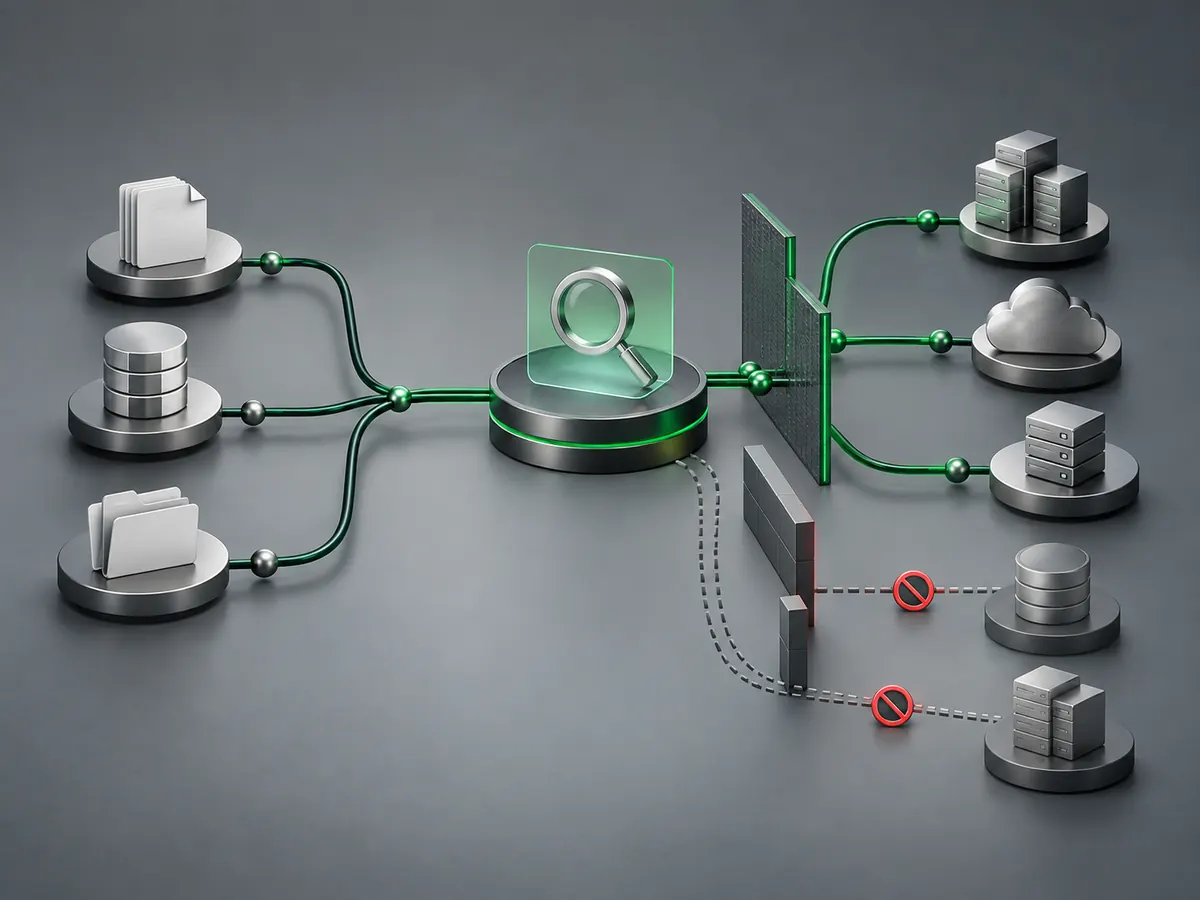
These are technical scenarios of the platform, not customer projects. Each deployment defines its own sources, permissions and limits.
1. Intelligence for AITHANEX Customer Service
Goal: Bring intelligence to support bots, classification and assisted replies.
Technique:
- Input: conversation, channel, contact, history and support context.
- RAG: queries documentation, the knowledge base and authorized answers.
- Model router: selects the model by complexity, cost and project policy.
- Handoff: transfers the conversation to a human operator when the flow requires it.
Operational control:
- Escalation: hands off to a human operator if confidence is low or on request.
- Audit: records query, sources, model, tokens and outcome.
Technical example:
| Step | Example |
|---|---|
| Input | Customer query from a connected channel. |
| RAG context | Product documentation, support policies and conversation history. |
| Routing | Selection of the right model for a reply or classification. |
| Bot output | Suggested reply, label, priority or request for data. |
| Handoff | Transfer to a human agent with history and context. |
2. Assisted control in AITHANEX Things
Goal: Query operational data and run controlled actions on devices when the deployment enables it.
Technique:
- Input: telemetry, state, alarm, asset, user and permissions.
- Query: the agent interprets the data available in AITHANEX Things.
- Decision: the flow validates rules, permissions and actuation limits.
- Execution: the action is launched as a command, configuration, incident or external call.
- Logging: sources, model, tokens, user, action and outcome are stored.
Technical example:
| Step | Example |
|---|---|
| Query | “Which chargers have active alarms?” |
| Context | States, alarms, location and latest events from Things. |
| Suggestion | Prioritise equipment with a critical alarm or lost communication. |
| Controlled action | Create an incident, notify a technician or run an authorized command. |
| Audit | Record of user, agent, model, sources, tokens and outcome. |
3. Automation with workflows and MCP
Goal: Coordinate processes that combine rules, agents, APIs and external systems.
Technique:
- Flow: an event, rule or request starts the workflow.
- Agent: interprets context if the step requires it.
- MCP: runs authorized calls to external tools.
- Control: validates permissions, limits, errors and outcome.
- Observability: records execution, model, tokens, estimated cost and traceability.
Technical example:
| Step | Example |
|---|---|
| Event | Critical alarm at an installation. |
| Assessment | Queries history and escalation rules. |
| Integration | Creates a ticket, alerts the team and updates an external system. |
| Control | Checks permissions and logs every action. |
| Result | Traceable incident with technical context and sources. |
Requirements and limits
- The quality of the result depends on the available data and conversations.
- Each source and integration requires permissions and configuration.
- Actions on systems or devices are not part of the current general scope.
- Use of external AI providers depends on the agreed configuration.
Documentation in PDF
Download the product document.