

#Datasheet
All your channels in one inbox, with bots, routing and API
Architecture, connected channels, data model, integration via REST API and webhooks, and technical limits. Technical datasheet of AITHANEX Customer service.
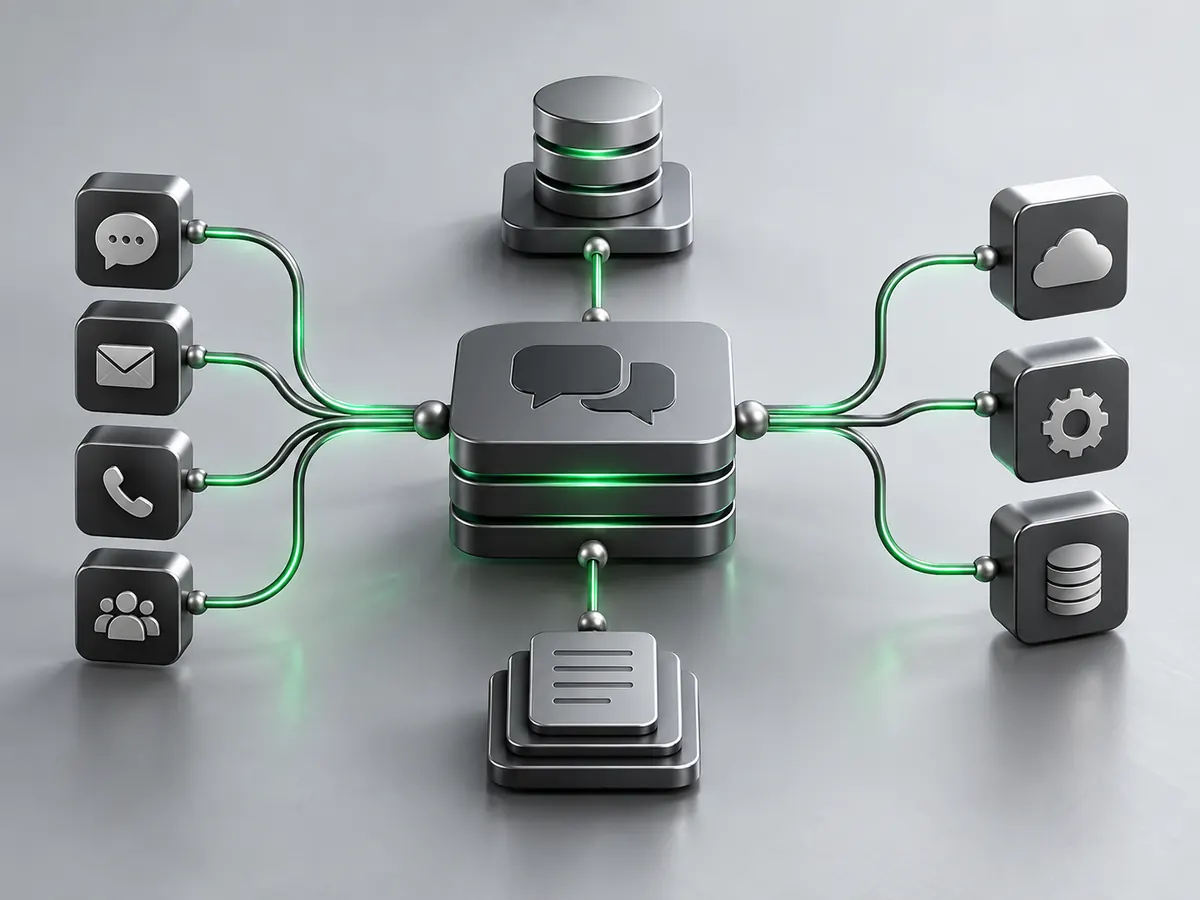
Component architecture
AITHANEX Customer Service centralises channels, bots, escalation and history, and integrates with CRM, ERP and ticketing via REST API and webhooks.
Operators reply from the web interface or mobile app over the same shared data model.
| Component | Function |
|---|---|
| Omnichannel tray | Brings conversations from all connected channels into a common environment. |
| Contact manager | Keeps each contact’s history and context between sessions. |
| Bot engine | Runs automatic flows: FAQs, guides and initial data collection. |
| Escalation system | Transfers conversations from bot to operator by rules or manual intervention. |
| Agent web interface | Read, reply, reassign, close and track conversations. |
| Agent mobile app | Same capabilities as the web, accessible from a mobile device. |
| Organisation system | Statuses, tags, queues and owners for workload management. |
| Metrics module | Logs entries, response times, escalations and recurring topics. |
| Routing | Assignment by channel, queue, priority, schedule or responsible team. |
Platform ingestion and API connectivity
| Channel / Mechanism | Use |
|---|---|
| Web (widget) | Conversations started from the customer’s website. |
| Messaging from the enabled channel. | |
| Direct messages from a connected channel. | |
| Facebook Messenger | Messages from a connected Facebook page. |
| Conversations from configured email accounts. | |
| Other connectors | Additional channels enabled based on project scope. |
| APIs REST | Integration with external systems, webhooks and automations. |
| Webhooks (incoming/outgoing events) | Reception or emission of events to third-party systems. |
Active channels depend on project scope. Not all connectors are available in all deployments.
Data model
| Entity | Description |
|---|---|
| Conversation | A message thread in a channel. It has status, channel, owner and history. |
| Contact | Person or entity associated with one or more conversations. |
| Message | Exchange unit within a conversation, with sender and timestamp. |
| Bot / Flow | Automatic sequence of steps that handles the contact’s initial input. |
| Agent | Human operator with a role, assigned queue and support permissions. |
| Queue | Grouping of conversations by criterion: channel, team, priority or time. |
| Tag | Classification applied to conversations for organisation and metrics. |
| Escalation | Log of handoffs from bot to operator or between operators, with context. |
AITHANEX Customer Service capabilities
| Capability | Scope |
|---|---|
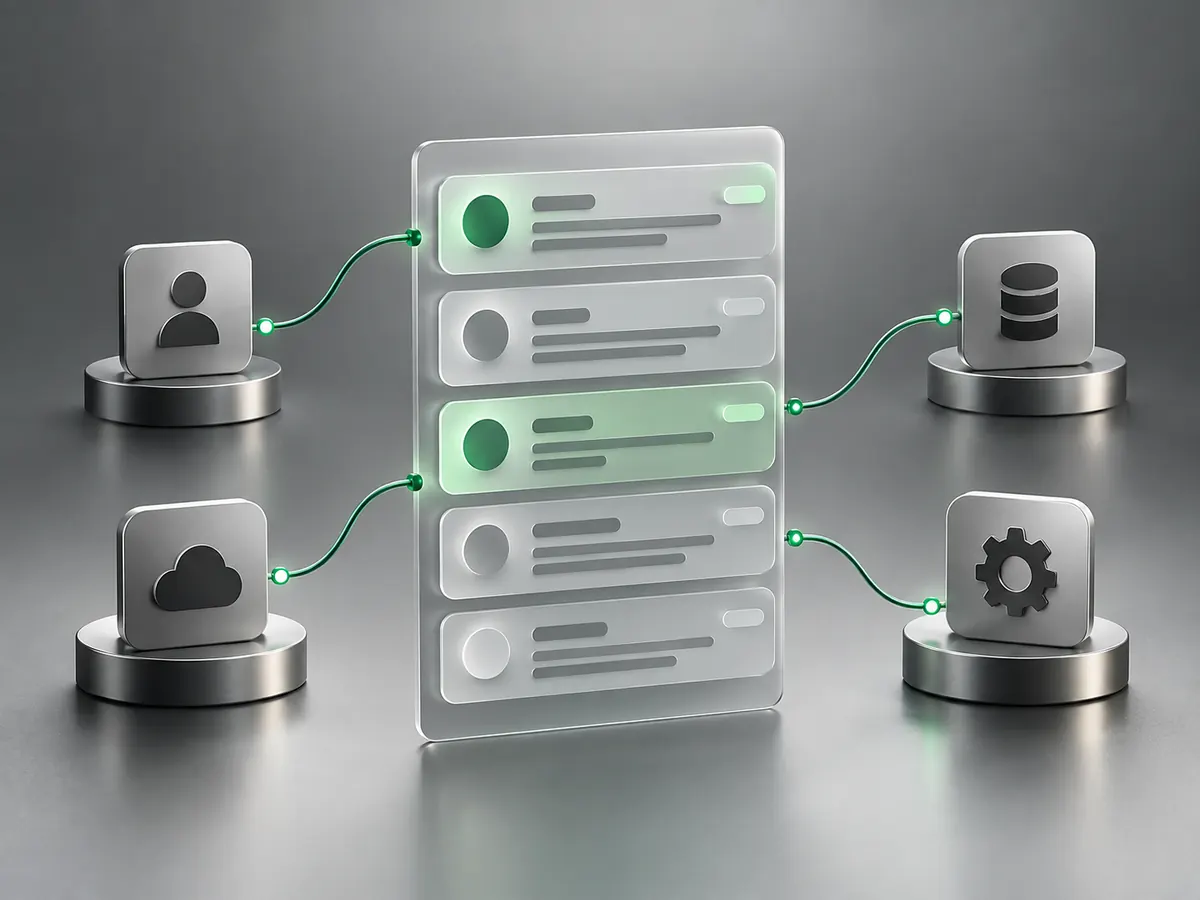
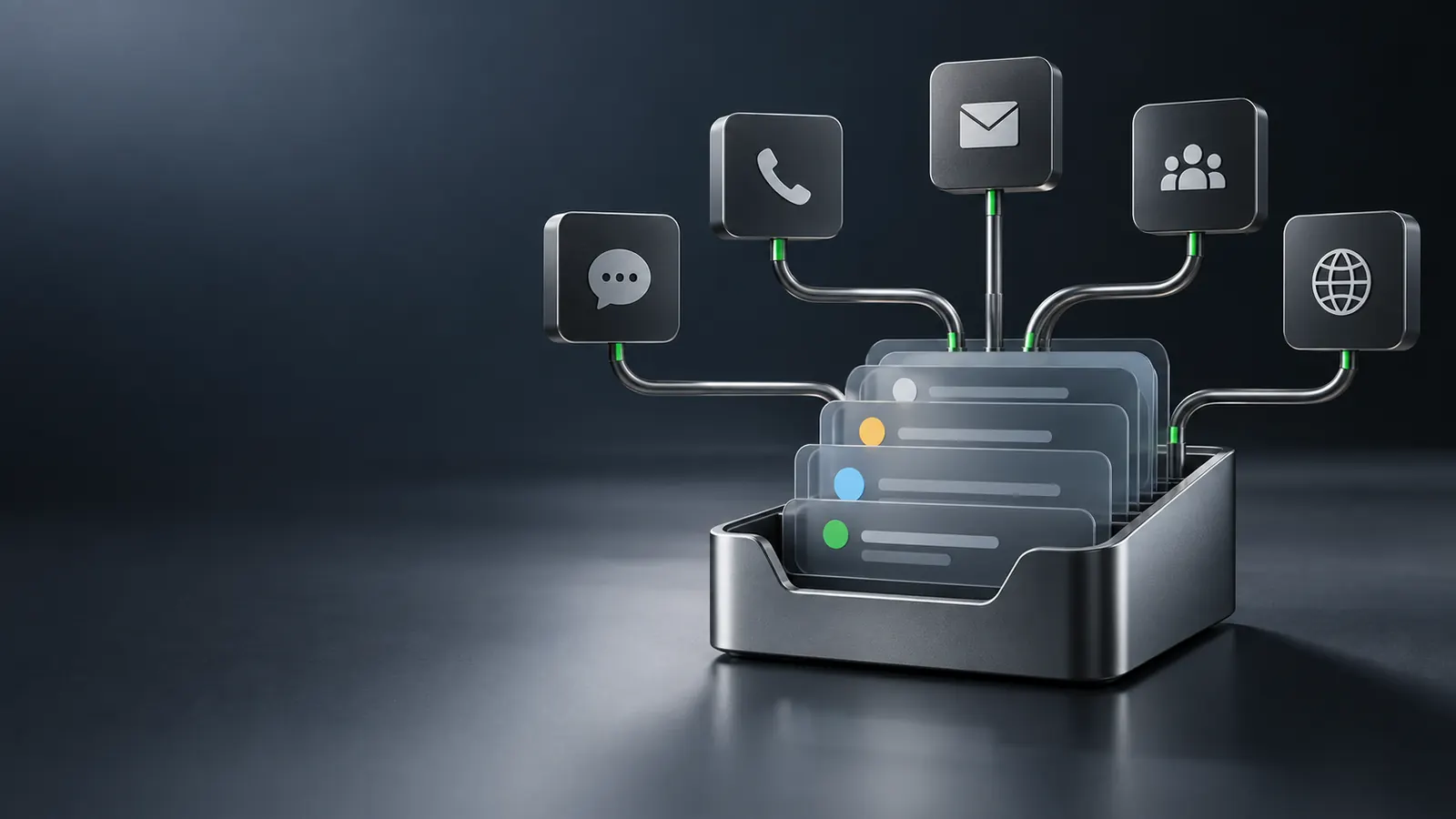
| Omnichannel inbox | Brings conversations from web, WhatsApp, Instagram, Facebook Messenger, email and other enabled connectors into a shared environment. |
| History per contact | Keeps the context of each contact or conversation for continuity between sessions. |
| First-level bots | Run automated flows, answer frequent questions and collect initial data. |
| Handoff to an operator | Transfers conversations from bot to person by configured rules or manual intervention. |
| Human support | Agents read, reply, reassign, close and follow up from the web interface or the mobile app. |
| Organisation | States, labels, queues and owners to order the support workload. |
| Metrics | Inbound volume, activity, response times, handoffs and recurring topics. |
| Customisation | Visual identity, initial messages and channel presentation. |
| Routing | Assignment by channel, queue, priority, schedule or responsible team. |
| External integration | APIs, webhooks or connectors defined by the project scope. |
Operational flow
| Step | Description |
|---|---|
| Input | An inquiry arrives from a connected channel. |
| Identification | The conversation is associated with a contact, channel and previous history. |
| Bot | The automatic flow handles the entry, classifies or requests initial data. |
| Escalation | If appropriate, the conversation goes to an agent or team with logged context. |
| Human support | The agent replies from the web tray or the mobile app. |
| Measurement | Times, escalations, volume and recurrence are logged. |
| Close | The conversation remains available for later follow-up. |
Integrations and limits
What it can do:
- Centralise digital channels in a common tray with per-contact history.
- Run first-level bots for FAQs, guides and data collection.
- Escalate conversations to human operators with full context.
- Optionally integrate AITHANEX AI for classification, knowledge lookup and assisted replies.
- Expose data and events via APIs or webhooks to external systems.
- Customise visual identity, initial messages and channel presentation.
Limits:
- Available channels depend on the connectors enabled in the deployment.
- Integration with AITHANEX AI is not required to operate the basic conversational tray.
- Integrations with external systems (CRM, ERP, others) require APIs and credentials defined per project.
- Advanced routing by schedule or team requires prior deployment configuration.
Optional integration with AITHANEX AI
When enabled, AITHANEX AI can contribute to the conversational flow:
| Capacity | Description |
|---|---|
| Assisted classification | Automatic tagging of conversations by topic, intent or priority. |
| Documentation lookup | Planned capability for replies backed by authorized knowledge bases; currently in development. |
| Reply suggestions | The agent receives contextual suggestions before replying. |
| Identification of recurring topics | Pattern analysis in conversation volume. |
| Conversation summaries | Automatic synthesis of history to speed up escalations. |
This integration is enabled by configuration and does not change how the base tray works.
Platform security
| Area | Scope |
|---|---|
| Authentication | Agent and system access via credentials managed by the platform. |
| Permissions | Role-based control: read, reply, reassign, configure and administer. |
| Segmentation | Separation of queues, teams and data by customer or project. |
| History | Each contact’s history stays associated with the conversation and is not deleted on close. |
| Traceability | Log of agent actions: assignments, escalations, status changes and closures. |
| Communication | Encryption based on deployment configuration and enabled channels. |
Integration requirements
| Area | Requirement |
|---|---|
| Channels | Credentials and API access for each digital channel to connect. |
| External systems | APIs, credentials and exchange rules defined per project. |
| Users | Roles, queues and permissions configured for each support team. |
| AITHANEX AI | Optional per-project enablement and configuration for AI capabilities. |
Documentation in PDF
Download the product document.